
Solving unable to log into the mobile app is easy. All you have to do is resend the authorization code.
Simple Steps:
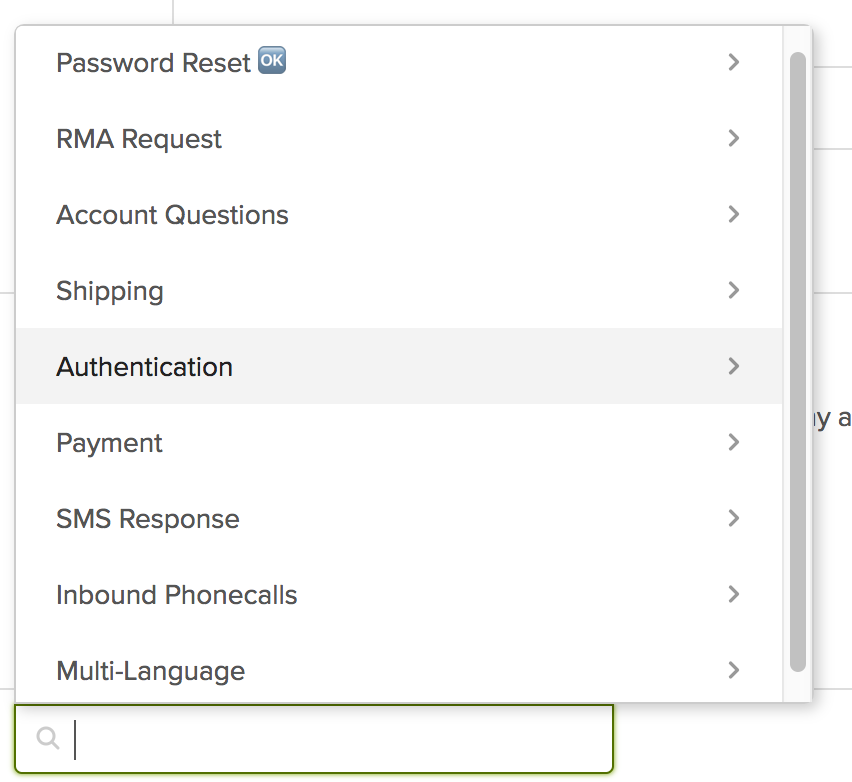
1. In the ticket go to MACROS and choose "Authentication"
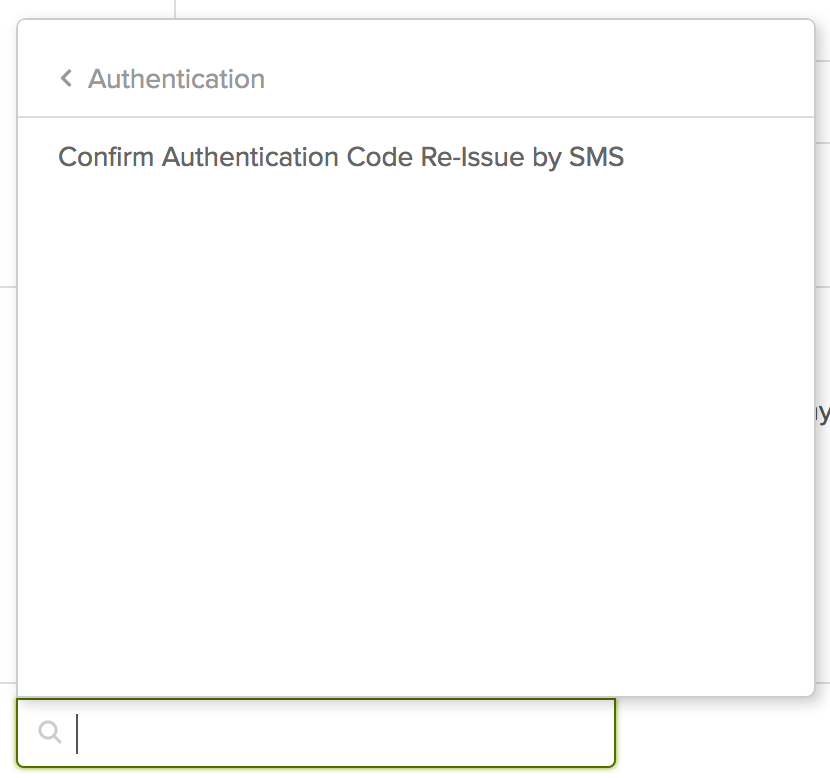
2. Choose "Confirm Authentication Code Re-Issue by SMS".
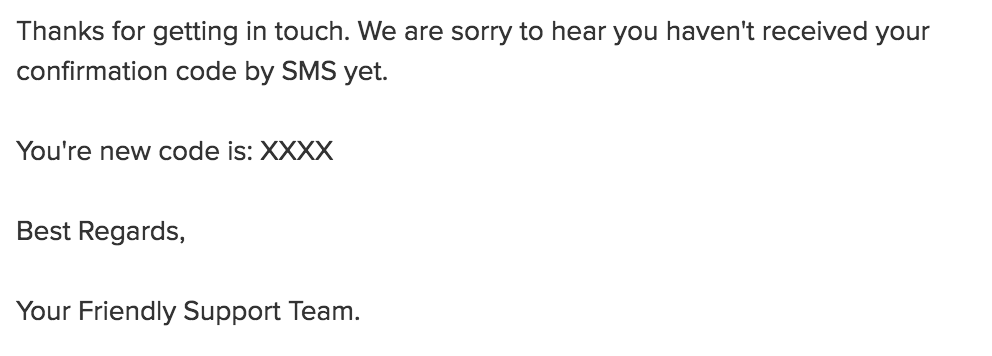
3. This will trigger a code resend and place it within the Zendesk SMS thread with the proper code.
Comments
0 comments
Please sign in to leave a comment.